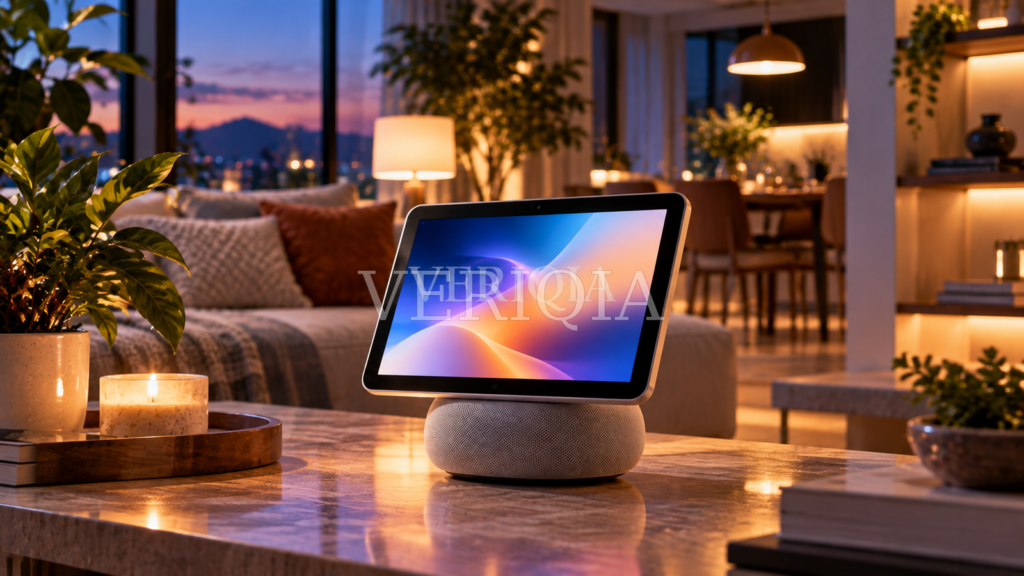
Apple HomeView Explained: Features, Release Date and What Buyers Should Check
Apple announced HomeView on October 13, 2026, with a seven-inch display, voice assistance and smart-home controls. This guide explains the launch, the practical limitations and what households should check before ordering.
What Apple actually announced
Apple introduced HomeView as a shared smart-home display rather than a replacement for a television or an iPad. Its seven-inch Liquid Retina screen sits above a speaker base, and Apple also described a wall-mounted version. The central idea is to put useful household tasks—music, video calls, calendars, reminders and connected-home control—within easy reach without making every visitor unlock a personal phone. The launch announcement is dated October 13, 2026; availability is scheduled for November 13 in participating markets. That is an announced release date, not evidence that all retailers or countries will receive identical stock. Apple says preorders began with the announcement. Anyone comparing offers should check the country-specific Apple Store because language support, pricing and distribution can vary.
A shared screen that tries to feel personal
The distinctive HomeView idea is personal recognition in a communal device. Apple says the unit can recognize up to six people and adapt what appears for them. A person approaching the display may see relevant music, reminders or communication tools while another family member sees their own choices. That sounds convenient in a kitchen, but households should think carefully about who can approach the display. For example, a child and a visiting relative have different privacy needs. Before using face recognition, ask who can enroll, how to remove an enrolled user and what information remains accessible when the system cannot identify someone. A useful shared device should make privacy settings as easy to understand as its entertainment features.
What Siri AI changes
Apple describes a more conversational Siri AI that can answer questions and work with household tasks. On HomeView, it is presented as part of the device, while some personalized requests depend on an Apple Intelligence-enabled iPhone or iPad. That distinction matters. A demonstration showing a calendar or message-based suggestion does not mean every buyer gets exactly the same result with an older phone. Check the paired-device requirement for any feature that relies on private messages, calendar details or cross-app actions. Voice assistants also occasionally misunderstand people, especially in noisy rooms. For time-sensitive instructions or actions involving locks and security devices, keep a reliable manual control available.
What you can do around the house
Useful applications are concrete rather than futuristic. A household could place the display near the entrance for weather, a shared schedule and reminders; a kitchen could use it to play music and answer simple cooking questions; a living room could use it for FaceTime and smart-light scenes. Apple also emphasizes smart-home monitoring and compatible automations. Each feature depends on the accessory ecosystem, app support, permissions and local network. A person with no compatible smart-home devices may primarily be buying an attractive speaker and communications screen. Someone already using Apple Home accessories may have a clearer reason to pay for a dedicated hub. List the activities you would actually use each week before buying.
Tabletop versus wall-mounted versions
Position affects comfort and cost. A tabletop version can move with a household as needs change, but it needs safe surface space and nearby power. A wall-mounted version frees counters and can look permanent in an entryway, yet placement and cable routing require more planning. Consider whether the display will be at a comfortable height for children and wheelchair users, whether sunlight produces reflections and whether microphones will pick up requests from the intended room. Check the cost of mounting accessories separately. A wall mount is not necessarily the right choice just because a promotional photograph makes it look minimal. Renters may prefer a non-permanent installation that leaves walls undamaged.
A practical buying checklist
Before ordering, check five things: your country and release date; the supported Siri AI language; whether everyone in the household has compatible Apple devices for personal features; which smart-home brands and standards are supported; and the return policy. Then think about audio. Apple promotes an advanced speaker system, but a dedicated stereo setup can still be preferable for music enthusiasts. Think about accessibility as well: voice controls help some users, while others need reliable physical or touch alternatives. The best purchase is the one that solves an existing need rather than creating extra screens that need maintenance.
What privacy claims do and do not mean
Apple says HomeView is designed around privacy and security, and it describes protections for personal recognition and requests. Those are manufacturer claims that should be assessed alongside settings and real-world use. No connected device removes the need for careful account management. Use strong account security, confirm who can access cameras and locks, review notifications that might reveal personal information, and keep software updated. If a visiting guest uses a shared screen, make sure private reminders or messages are not exposed. Security also extends to the Wi-Fi router and to the individual accessories the display controls. Weak passwords on one camera can create risks independent of the display itself.
Will it replace an iPad or smart speaker?
For most buyers, HomeView is another category rather than a straightforward replacement. An iPad travels, runs many personal apps and can be used for work; a dedicated HomeView is meant to stay in the home as a shared interface. A simple smart speaker costs less and may cover voice timers, audio and basic automations without a screen. A television is better for long-form video. The comparison should start with the household’s problem: missed reminders, awkward smart-home controls, video calling or room-filling audio. If all you need is a kitchen timer and occasional music, a basic speaker may be sufficient. If multiple people regularly use shared routines, the screen may add genuine convenience.
Availability and the next steps
Apple announced a November 13 start for availability in the markets it lists, following its October 13 announcement. Those dates do not guarantee every model or colour will be in stock immediately. Apple’s own country pages are the reliable starting point for pricing, delivery and support details. Readers should also watch for hands-on accessibility and sound reviews after wider availability; a launch demonstration cannot show performance in every household layout. Before preordering, confirm whether the most appealing feature is available on day one or promised in a future software update. Treat that distinction seriously because expected features are not the same as currently working features.
The practical bottom line
HomeView is interesting because it attempts to turn the connected home into a shared, more personal experience. Its value depends less on headline specifications than on whether its recognition, smart-home compatibility and language support work for the people who live with it. A household already invested in Apple devices and compatible accessories may find an obvious use. A household starting from scratch should calculate the total cost of the display, supporting accessories and any installation. It is reasonable to wait for detailed reviews rather than preorder immediately. The useful question is not whether a smart display looks impressive in a launch image; it is whether it makes a normal week easier without creating new privacy or maintenance headaches.
Where to compare the official details
The product has been announced but buyers will still encounter differences in local availability and retail bundles. A safe approach is to compare the listing for the exact model in your own country rather than converting a US headline price into another currency. Look for language notes beside Siri AI features, the compatibility list for cameras and thermostats, and any accessory mounting requirements. If a retailer advertises functions that Apple labels as coming later, request written clarification. The official launch article also distinguishes what a paired iPhone adds. Those details can change a purchase decision more than colours or promotional images.
A household trial before committing
Imagine a seven-day trial of the proposed setup before spending money. Write down three recurring tasks that everyone shares, such as household reminders, a morning weather check and an evening light routine. Now ask whether those tasks are already easy on your current phones or speakers. If the answer is yes, HomeView may be optional. If people routinely miss shared information, the display could earn its place. Consider whether the intended location is private enough for personal reminders and quiet enough for voice recognition. A simple trial checklist helps prevent buying a device whose main benefit disappears after the novelty wears off.
Related reading: the wider issue of protecting AI-assisted tools.