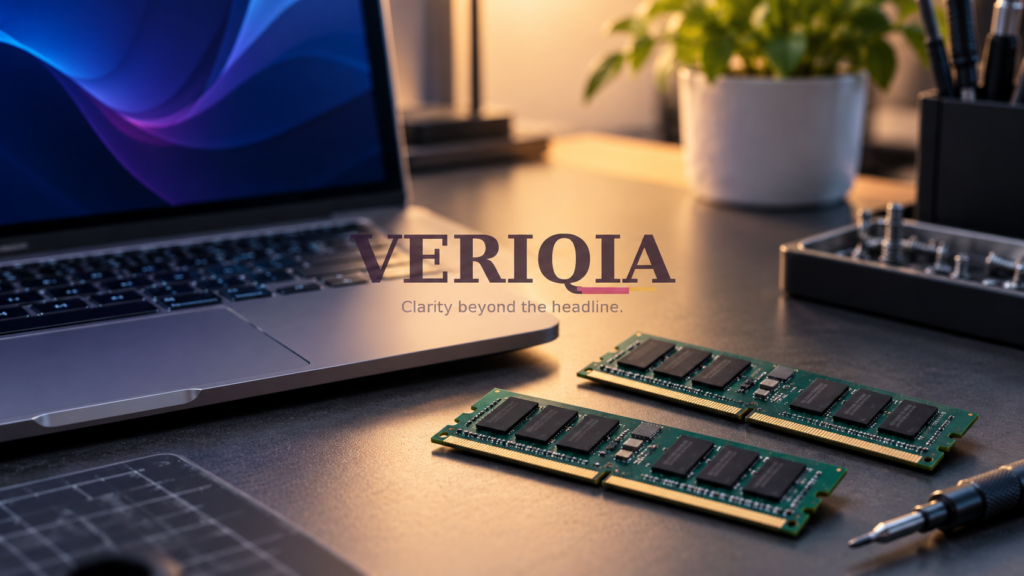
16GB or 32GB RAM: How Much Does Your Next Laptop Really Need?
For everyday documents, browsing and video calls, 16GB of RAM is a practical starting point for many laptop buyers. Consider 32GB when you regularly work with large projects, run several demanding apps together or plan to use local AI tools. The best choice depends on your workload and the laptop’s upgrade options.
RAM is the working space a computer uses for active tasks. Storage is where it keeps files and apps. A laptop with a large SSD can still feel cramped if it lacks enough working memory.
When is 16GB enough?
A typical mix of email, office documents, browser tabs and occasional light editing can work comfortably with 16GB. The number of tabs alone is not a reliable measure: a simple article page and a complex browser-based design tool can use very different amounts.
Before buying, open your normal applications together on your current computer. On Windows, check the Memory section in Task Manager; on macOS, look at Memory Pressure in Activity Monitor. Observe a normal busy session, not just the computer immediately after startup.
When does 32GB make more sense?
More memory can help when projects exceed the available working space. Examples include editing large images, building software, running virtual machines or keeping a heavy spreadsheet and multiple work tools open together. It can also provide room for some local AI workloads, although each model has its own requirements.
| Typical workload | Buying approach |
|---|---|
| Office work and ordinary browsing | Start by comparing well-rounded 16GB models |
| Several demanding creative apps | Compare 32GB configurations using app-specific tests |
| Virtual machines or development projects | Budget for the host system and guest workloads together |
| Local AI experimentation | Check model and graphics-memory requirements first |
Does more RAM make every laptop faster?
No. If a task already fits comfortably in memory, adding capacity may produce little change. A slow processor, weak graphics hardware, overheating or a poor internet connection can still be the limiting factor.
Suppose a laptop has spare memory but takes a long time to export a video. More RAM alone may not solve that problem. Compare the processor and graphics performance in the editing software you actually use.
Check whether memory is upgradeable
Some laptops have replaceable memory modules. Others have soldered or integrated memory that cannot be expanded later. Confirm the exact model and configuration with the manufacturer. Do not assume a repair shop can upgrade it because a similar-looking laptop supports upgrades.
For a computer you intend to keep for several years, non-upgradeable memory deserves extra thought. A cheaper configuration can become expensive if it forces an early replacement.
RAM and AI: what should you look for?
Cloud AI runs its model computation remotely. Local models need enough memory on your own system, and some rely heavily on GPU memory rather than system RAM. The model size, precision and software all affect the requirement. Neither 16GB nor 32GB is a universal promise that every AI model will run well.
Make a list of your three heaviest tasks, compare tested configurations and choose the memory that supports those tasks. Spend the remaining budget on the display, battery or storage only after the working-memory question is settled.