How to Spot a Fake QR Code Before You Pay or Sign In
A QR code is a shortcut to information, not proof that the information is trustworthy. A fake code can lead to a payment page or sign-in form that looks convincing while sending your details to someone else. The most useful habit is to inspect the destination before entering anything.
This matters on parking signs, restaurant tables, delivery messages and unexpected packages. A familiar logo beside a code does not establish who controls the website it opens.
What does a QR-code scam look like?
One common setup is a sticker placed over a legitimate payment code. Another is a message saying a delivery failed or an account needs urgent attention. The code takes you to a lookalike site, which asks for a card number, password or other information.
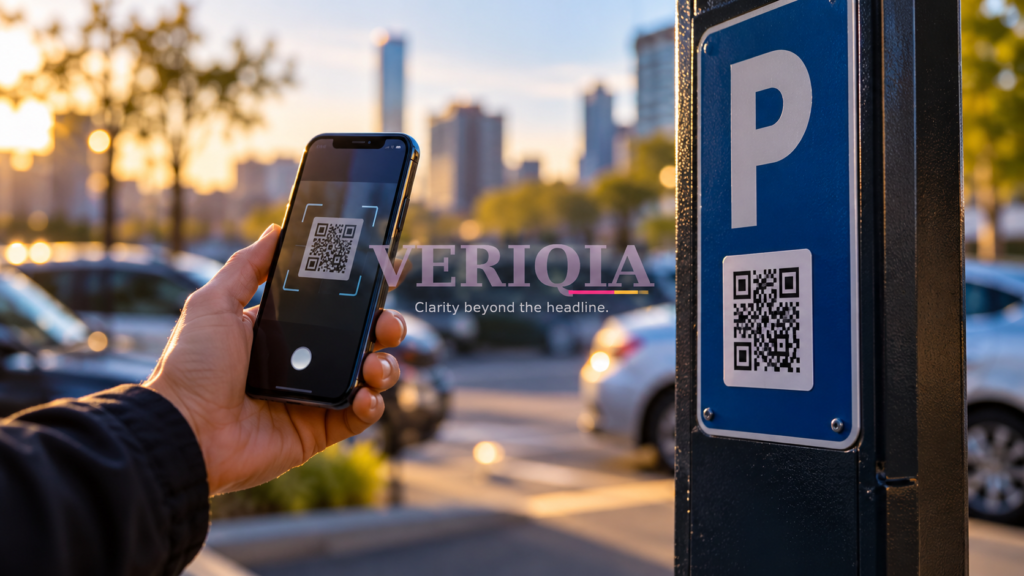
Picture a parking sign that directs you to pay online. If the sticker feels out of place, has another code underneath it or points to an unfamiliar address, use the parking operator’s known app or another posted payment method instead.
Check the address, not just the page design
Most camera apps show a link preview before opening the site. Read it. Look for spelling changes, added words and a domain that differs from the organization’s usual address. A long link can make the meaningful part hard to notice.
For example, a company name appearing in the beginning of a web address does not necessarily make that company the owner of the site. Open the organization’s app or type its known address yourself when a QR destination is difficult to judge.
A padlock or HTTPS connection means the connection is encrypted. It does not prove the seller, parking operator or login page is genuine.
Before making a QR payment
- Confirm the business or operator through another visible channel.
- Check the recipient shown in the payment app.
- Compare the amount and currency with what you agreed to pay.
- Stop if the flow unexpectedly requests passwords, verification codes or remote-access software.
For UPI users in India, read the recipient name shown by your payment app and remember that entering a UPI PIN authorizes a payment. An instruction to scan a code and enter a PIN merely to receive money is a reason to stop and verify independently.
What if you already scanned the code?
Opening a link is different from submitting sensitive information. Close an unexpected page, avoid downloads and keep your phone and browser updated. If you entered a password, change it through the real service and review account sessions. If you shared payment details or sent money, contact your bank or payment provider promptly through its official channel.
Keep the message, payment reference or photograph of the sticker if you need to report what happened. Do not rely on a phone number supplied by the suspicious page for help.
Make verification easy
Save the official apps and websites you regularly use before you need them in a hurry. QR codes are convenient, but the decision to pay or sign in should still rest on a verified destination. The same pause helps with other impersonation attempts, including AI voice-cloning scams.