Why Does My iPhone Stop Charging at 80%? Settings to Check
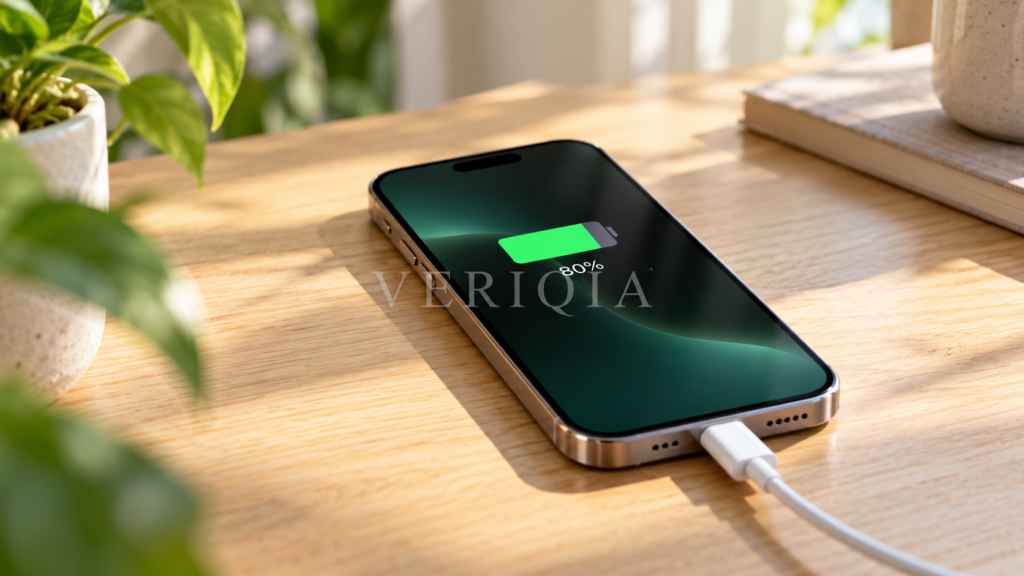
An iPhone stopping at 80% is often following a charging setting rather than showing a broken battery. Check whether a charge limit is active or Optimized Battery Charging is delaying the final part of the charge.
Those features do different jobs. A charge limit sets a target maximum. Optimized charging changes the timing so the phone spends less time sitting fully charged. Start with that distinction before buying a new charger.
Check the setting that applies to your iPhone
On iPhone 15 and later, open Settings, then Battery, then Charging. You can select a limit from 80% to 100% in five-percentage-point steps. At 100%, Optimized Battery Charging is available.
On iPhone 14 and earlier, look under Settings, Battery, then Battery Health & Charging for Optimized Battery Charging. Do not expect the same adjustable charge-limit controls on every model.
Charge limit vs optimized charging
- A charge limit keeps the phone near your selected level during normal charging.
- Optimized Battery Charging can pause charging beyond 80% while learning when you normally unplug.
- Battery health describes the battery’s condition; it is not the same number as the current charge shown in the status bar.
A useful analogy is a water bottle. Current charge is how full it is today. Battery capacity is how much the bottle can hold after wear. Setting a lower daily fill target does not mean its capacity has suddenly fallen to that percentage.
Why it sometimes charges to 100% anyway
With a limit below 100%, the iPhone may occasionally complete a full charge to keep its charge estimates accurate. That behavior alone does not mean the setting has failed.
Likewise, a limit is not a promise that the displayed figure will stay exactly at one number. The phone can charge to within a few percentage points of the selected level.
What to do before a long day away
Check your settings before leaving rather than discovering a lower charge at the airport. If you need the extra capacity, adjust the limit for that day. When optimized charging is delaying completion, its lock-screen notice may offer Charge Now.
Build the decision around your routine. Someone who usually ends the day with plenty of charge can try a lower limit. Someone using navigation, video calls and mobile data for hours may value the full charge more.
When should you investigate further?
If the charging setting does not explain the behavior, note whether the problem occurs with more than one working cable and adapter. Also note whether it happens only during demanding use or in a hot environment. A repeatable pattern is more useful than one unexplained charging session.
For persistent charging interruptions, use the phone’s battery information and support options to investigate the cause. Do not assume that changing the limit repairs a damaged cable, port or battery.
Choose a routine you can actually live with
There is little practical value in a lower limit that makes you repeatedly hunt for a charger. Try a setting for several ordinary days, note how much charge remains at bedtime and adjust it around your needs.
If you carry backup power, read our guide to taking a power bank on a plane before travel. Charging preferences and travel rules solve different parts of the same planning problem.