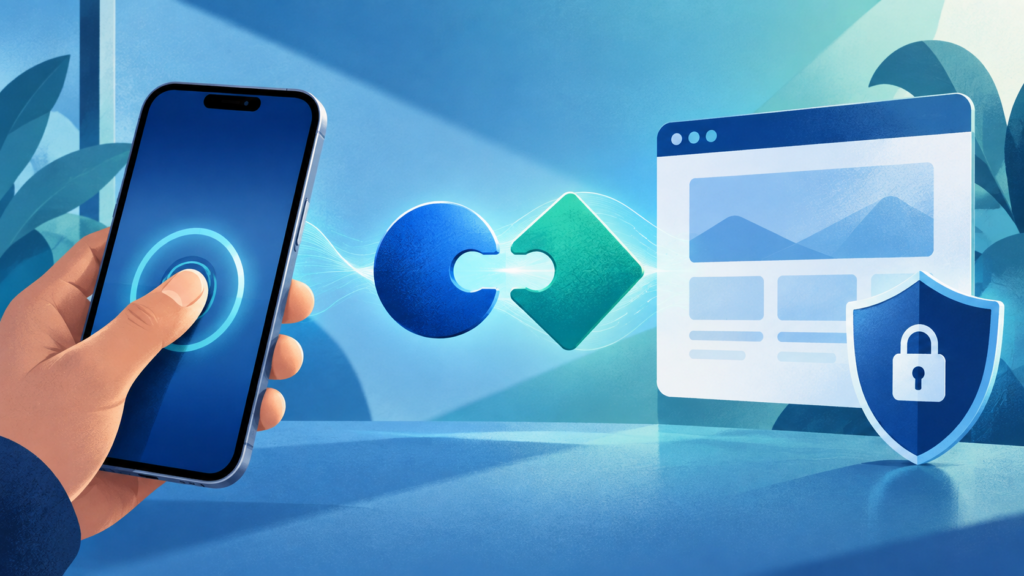
What a passkey does when you sign in
A passkey lets you sign in to a supported app or website using the screen lock on your phone, computer or security key. You may confirm with a fingerprint, face scan or device PIN, but the website does not receive that biometric data.
Two keys, one account
When a passkey is created, the device or credential manager holds a private key. The service stores a matching public key. At sign-in, the device proves it holds the private key without sending that key to the service. Each passkey is tied to a particular app or website, which helps prevent a lookalike phishing page from using it.
What to check before switching
Passkeys may be kept on one device, synced through a credential manager, or stored on a hardware security key. The available choices and account recovery process vary by service. Keep your device lock secure, review recovery options, and remove a passkey from an old device if you no longer control it.
A passkey improves the sign-in step, but it does not make every message or account request trustworthy. A person can still be tricked into sharing other information or approving an unrelated action.